work flow
Per2.0
# 下载data

# 下载release modle
sudo ~/bin/jfrog rt dl xxxxxx ~/Downloads/ --flat=false
code-GeeX
source /etc/profile.d/clash.sh
proxy_on
work flow-drive-metrics
PLUS_LOG(error,"\n**********************%%*************************\n",cnt++);
GDB
g++ -g -o debug test.cpp -lopencv_highgui -lopencv_imgproc -lopencv_core
gdb ./debug
#include <opencv2/core.hpp>
#include <opencv2/imgproc.hpp>
#include <opencv2/calib3d.hpp>
#include <opencv2/highgui.hpp>
#include <iostream>
git命令
合并多个commit
# 记得在drive镜像里面merge
git fetch upstream/master #pull latest master
git log
git rebase -i <branch_id>  #rebase latest master
# 将后面的几个commit前缀改成 “f”
git rebase --continue
提交到其他pr
git remote add feiyu git@github-cn.plus.ai:hefeiyu123/drive.git
git fetch feiyu <remote_branch_name>:<origin_branch_name>
git fetch feiyu test_model_vp:feiyu_test_model_vp
git fetch upstream master:new_master
git checkout new_master
git log
git cherry-pick b764fe9edb7862d920c456a0bf2275241f1e1434
git log
git push -f <origin/upstream/feiyu> <本地分支>:<远端分支>
nn.Linear(cfg.MODEL.HEAD_INPUT, int(cfg.MODEL.IMAGE_SIZE[0]*cfg.MODEL.SIMDR_SPLIT_RATIO))
quantize并部署
pip install nvidia-tensorrt==7.2.* --index-url https://pypi.ngc.nvidia.com
# 先更改相应的model version,然后运行
vim auto_training/quantize.py
python auto_training/quantize.py
# 自动生成config和命令,粘贴运行就ok
python -m drive_python.perception.trainer.train -t LaneTrainer -f quantize -c /home/shuaibo.kang/workspace/output/snapshots/front_cam/v2.2/log/quantize_config.yaml
# 生成caffemodel
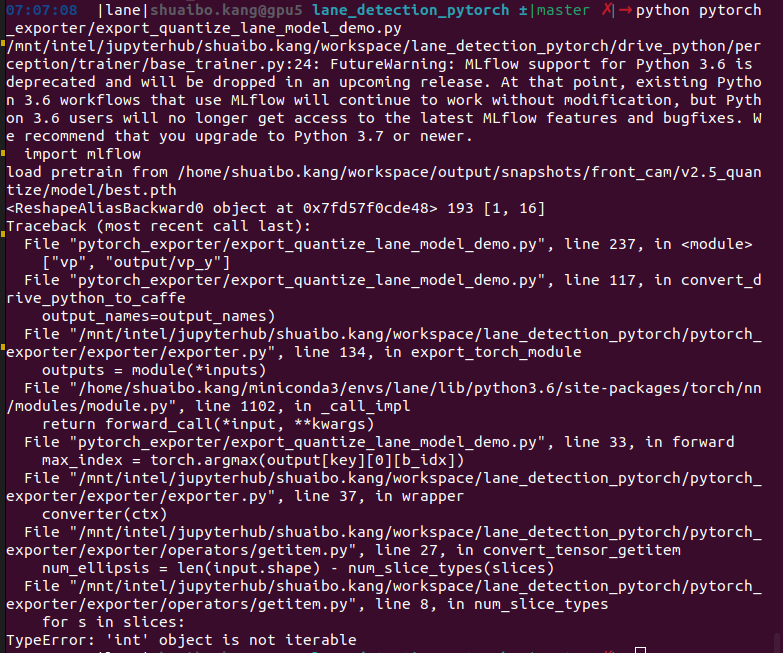
python pytorch_exporter/export_quantize_lane_model_demo.py
drive make
# ROS_ROOT
export ROS_ROOT=/opt/ros/melodic/share/ros
source /opt/ros/melodic/setup.zsh
source /opt/plusai/setup.zsh

# 如果有需要需要拉一下最新的docker
docker pull docker.plusai.co:5050/plusai/drive:latest
docker ps
docker exec -t <STDIN> zsh
docker stop <STDIN>2
docker rm <STDIN>
docker container start -i <STDIN>
# 如果有错误需要拉一下最新的code
git pull feiyu test_model_vp
# 服务器直接起docker
docker run -it --name drive_kang --net host -v /home/shuaibo.kang:/home/shuaibo.kang -v /mnt:/mnt docker.plusai.co:5050/plusai/drive:latest /bin/zsh
# 起旧docker
docker images
drive -i [IMAGE ID]
# 自定义makefile
vim Makefile # NUM_JOBS=6
vim CMakeLists.txt
make clean
make release && make install
# CMakeFile
# control
# control_v2
# planning
# prediction
# ui

./perception/lane_detection/scripts/run_lane_boundary_simulator.sh -i /home/shuaibo.kang/workspace/data/20230516T110132_pdb-l4e-b0006_4_52to155.db -w /home/shuaibo.kang/workspace/drive -o /home/shuaibo.kang/workspace/output/valid/vp/test/ 2>&1|tee /home/shuaibo.kang/workspace/output/valid/vp/test/log.txt --save_lane_result true --use_calib_data_in_bag true
拿calib yaml
python ~/workspace/tools/calibration/calib/dump_calib_files_from_bag.py --bag ~/Downloads/20230513T061639_pdb-l4e-b0008_4_553to603.db --output_dir ~/Downloads/B8_calib
程序
ps -u <username> -o pid,cmd
ps -f -p <PID>
kill -kill <PID>
fuser -v /dev/nvidia*
mlflow
mlflow ui --host 0.0.0.0:5007
GPU
password Dyc1503c.
git_password Bennykang2947.